VOICE INPUT
Dictate into any app, with text that actually comes out right.
One shortcut, any app. Code comments, issue descriptions, PR summaries — just say it. Accurate enough that you rarely need to fix anything.


Japanese-specialized model — built to get kanji and proper nouns right
You tried voice input. The accuracy was off, so you went back to typing. Sonophie is built around one goal: getting kanji and proper nouns right, every time. Speak, get clean text, paste it anywhere on your Mac. The same accuracy carries over to file transcription and live meeting notes too.
Already have an account? Sign inYou gave up on voice input because of accuracy. That changes now.
Wrong kanji, misread company names, technical terms turned to gibberish. That frustration is why Sonophie exists. Speak, get usable text, paste it — with the least possible editing.
VOICE INPUT
One shortcut, any app. Code comments, issue descriptions, PR summaries — just say it. Accurate enough that you rarely need to fix anything.
FILE TRANSCRIPTION
A 30-minute audio file processes in under 10 seconds. Meeting recordings, interviews, onboarding videos — fewer errors means less cleanup work after.


LIVE MEETING
Works with Zoom, Meet, and Teams without configuration. Accurate transcription means no more "what did they say?" — and no post-meeting cleanup.


Sales calls, interviews, internal meetings — all safe to record.
LOCAL STORAGE
Audio is sent for AI processing but not retained server-side. Transcripts and audio files live on your Mac only. Nothing accumulates in cloud storage.
NO AI TRAINING
Your audio and transcripts are never used to train or improve AI models. Sensitive conversations — hiring, sales, internal reviews — are safe to run through Sonophie.

How Sonophie pushes accuracy even further.
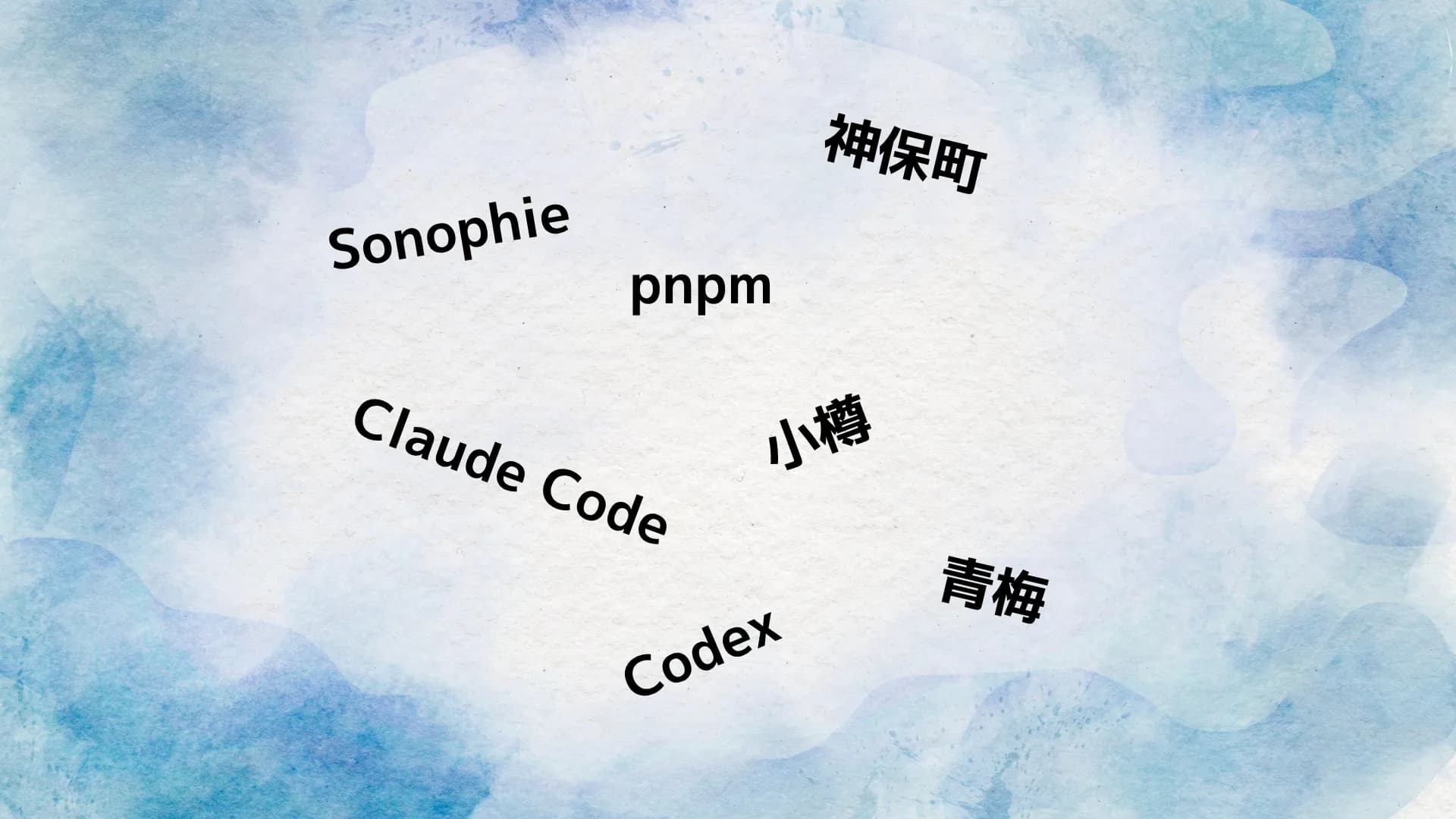
CUSTOM DICTIONARY
Register company names, product names, technical terms, and people's names on top of the Japanese-specialized model. Once saved, they apply automatically to every future transcript — proper noun errors drop to near zero.
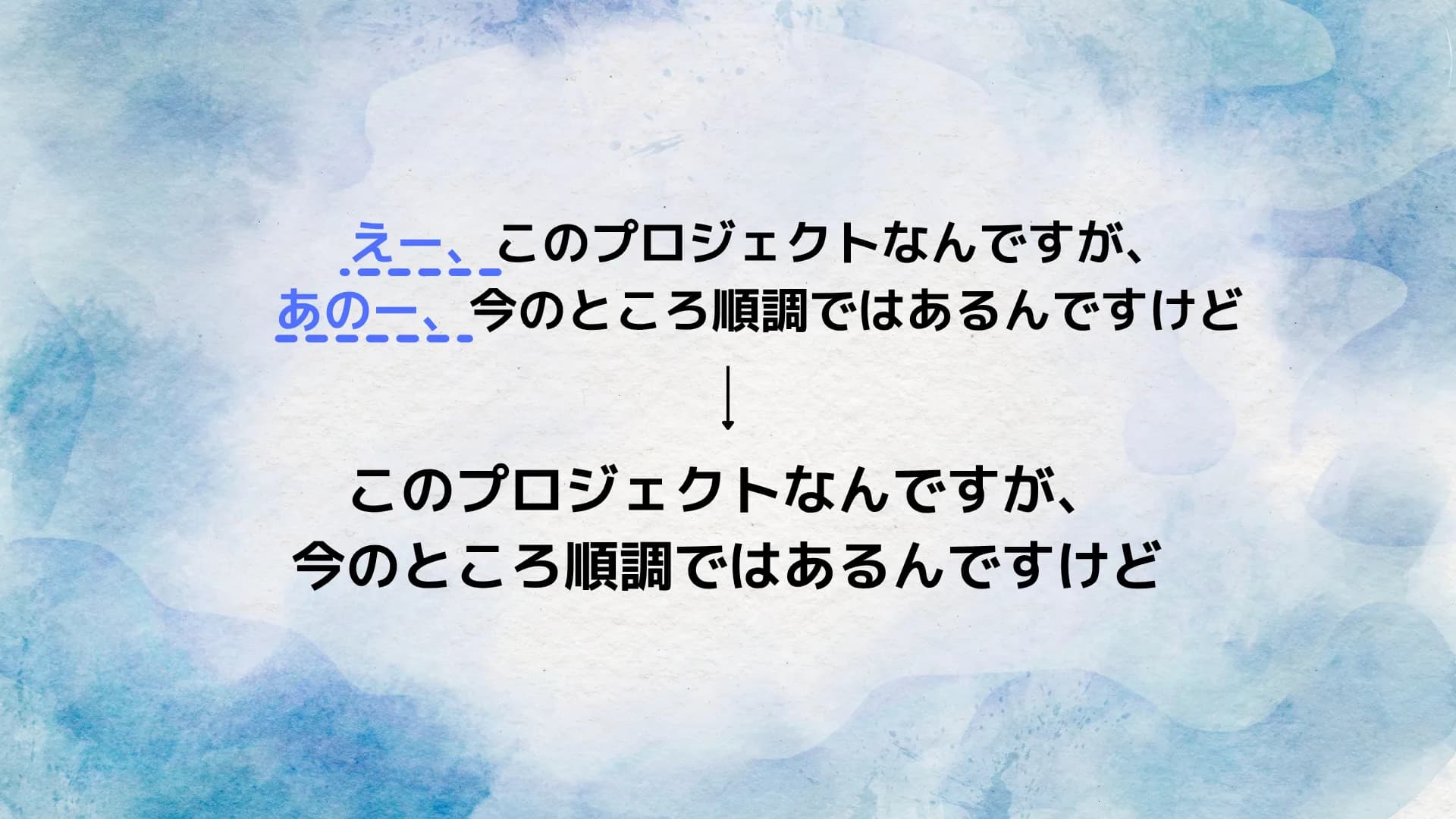
FILLER REMOVAL
Even with accurate transcription, spoken filler words remain. Sonophie strips them automatically so the result is clean enough to paste straight into Slack or a doc without editing.
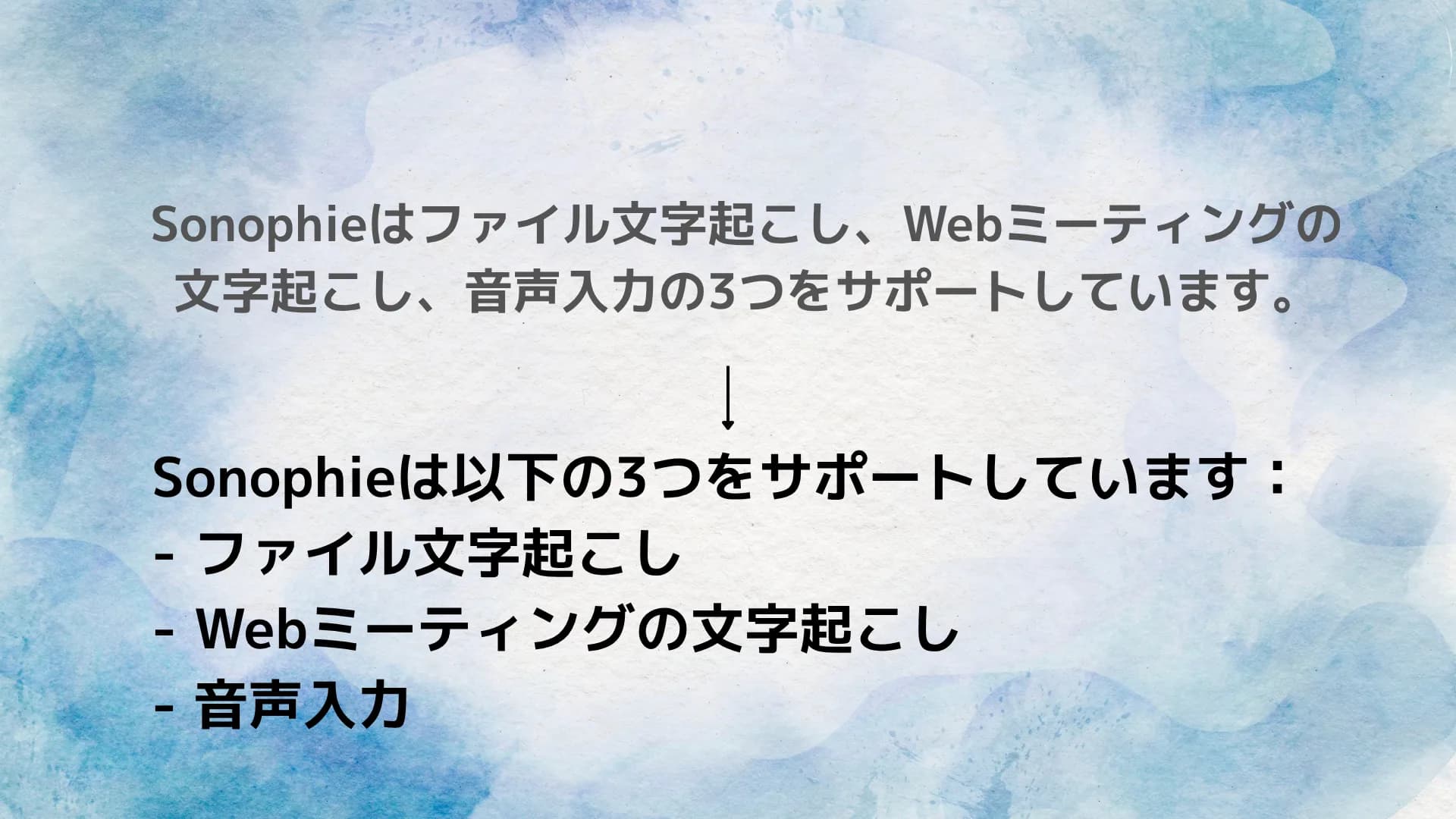
PROMPT-BASED FORMATTING
Specify the output format with a prompt. Meeting notes, to-do lists, email drafts — the manual formatting step you do every time gets automated on top of the clean transcript.
Keep company data off the cloud entirely.
Offline mode runs entirely on-device — no cloud processing, no data leaving the machine. Use it when corporate policy restricts cloud services, or when there is no internet connection at all.
FULLY OFFLINE
On flights, traveling, in network-restricted offices. AI transcription completes on your Mac without an internet connection.
ON-DEVICE MODEL
With on-device processing, audio and text stay on your machine. Zero data sent to external cloud services.
FLEXIBLE DEPLOYMENT
Cloud models for everyday accuracy, local processing for sensitive sessions or no-internet situations.
Frequently asked questions
Sonophie uses a Japanese-specialized model focused on kanji and proper noun accuracy. Company names, personal names, and technical terms that generic Whisper-based tools typically misread are handled more reliably. Combine that with custom dictionary entries and misrecognitions drop significantly.
Yes. You can specify a prompt to transform the transcript into any format — meeting notes, summaries, to-do lists, email drafts. The formatting step you do manually every time gets automated.
As a benchmark, a 30-minute video typically processes in under 10 seconds. Speed varies with network conditions and audio quality, but long files are designed not to keep you waiting.
Yes. Sonophie runs whisper.cpp directly on your Mac, so no internet connection is needed in offline mode. Audio stays on the device.
Yes. It handles audio and video files without constraints on format or length. The same flow works for short voice memos and multi-hour recordings.
None. Sonophie does not depend on a specific meeting tool or app. It works across Google Meet, Microsoft Teams, Zoom, and general app voice input.
Audio and transcripts are sent for processing but not retained by design. Output stays on your machine. Neosophie does not store customer data.
We can accommodate this in some cases. If you need to run everything on your own servers or integrate the model into an existing system, please reach out via the contact page.
Currently macOS only. iOS, Android, and Windows versions are in development.
Every feature, free during beta.
No usage limits, no paywalled features. Your custom dictionary grows the more you use it — worth starting early.
BETA
¥0
Beta — free, no limits